Elden Ring PC performance and settings guide: Shadow of the Erdtree edition
Fully updated for the grim new expansion
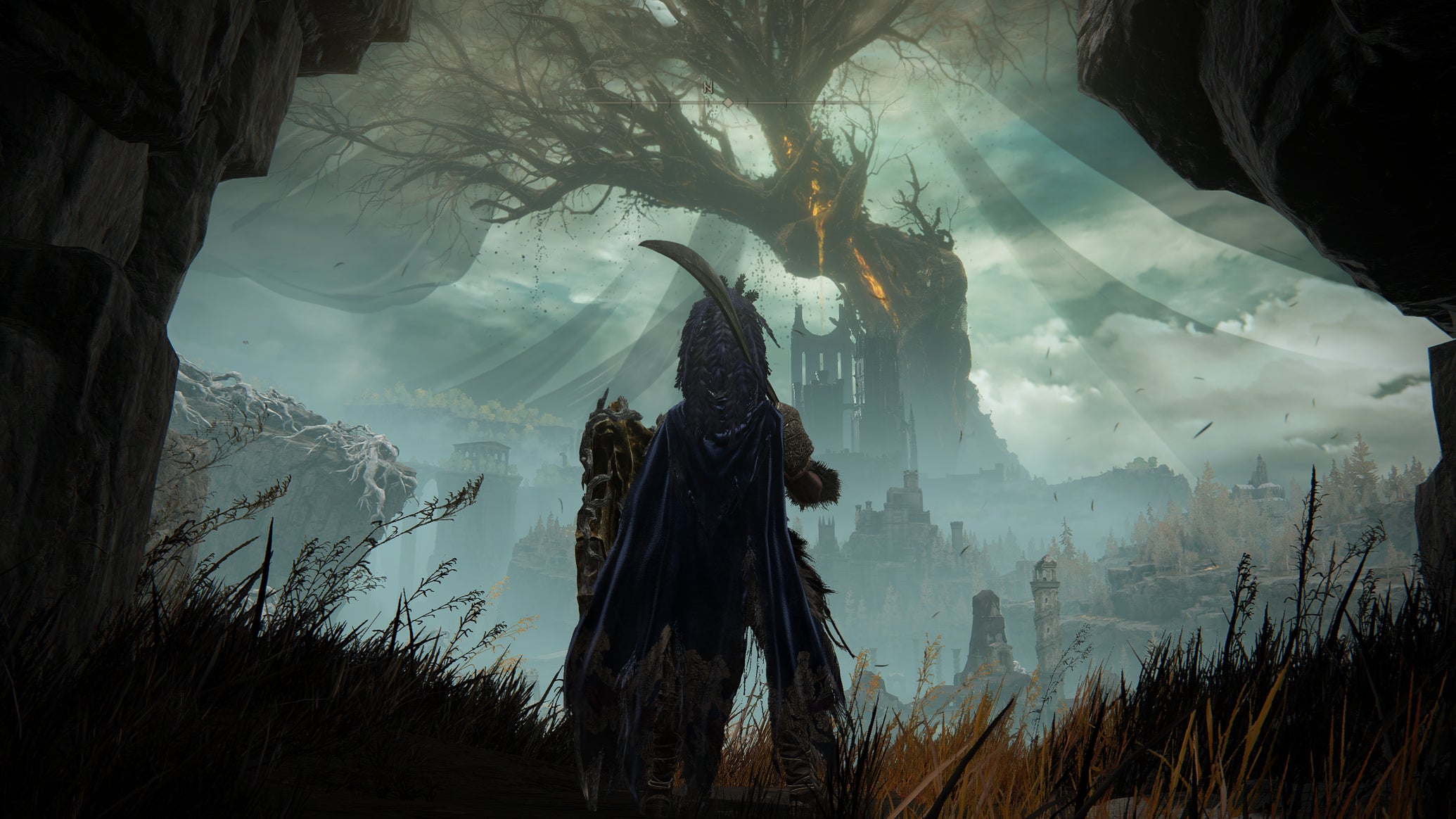
Image credit:Rock Paper Shotgun/Bandai Namco

Under normal circumstances, I wouldn’t completely redo a game’s PC performance guide just because it has a new DLC out. But this is Elden Ring , and Shadow Of The Erdtree , and you all love those things. Don’t act like you don’t! I’ve seen the numbers .
Besides, it’s been over two years since my first poke around Elden Ring’s settings menu, and much has changed since then. Both in the wider realm of hardware (new graphics cards , the Steam Deck and subsequent rise of handheld PCs) and the game itself, be it performance-smoothing patches or the quiet addition of ray tracing . Even if Shadow of the Erdtree doesn’t run much differently the current state of the base game, it still presents a perfect opportunity for a technical check-up.

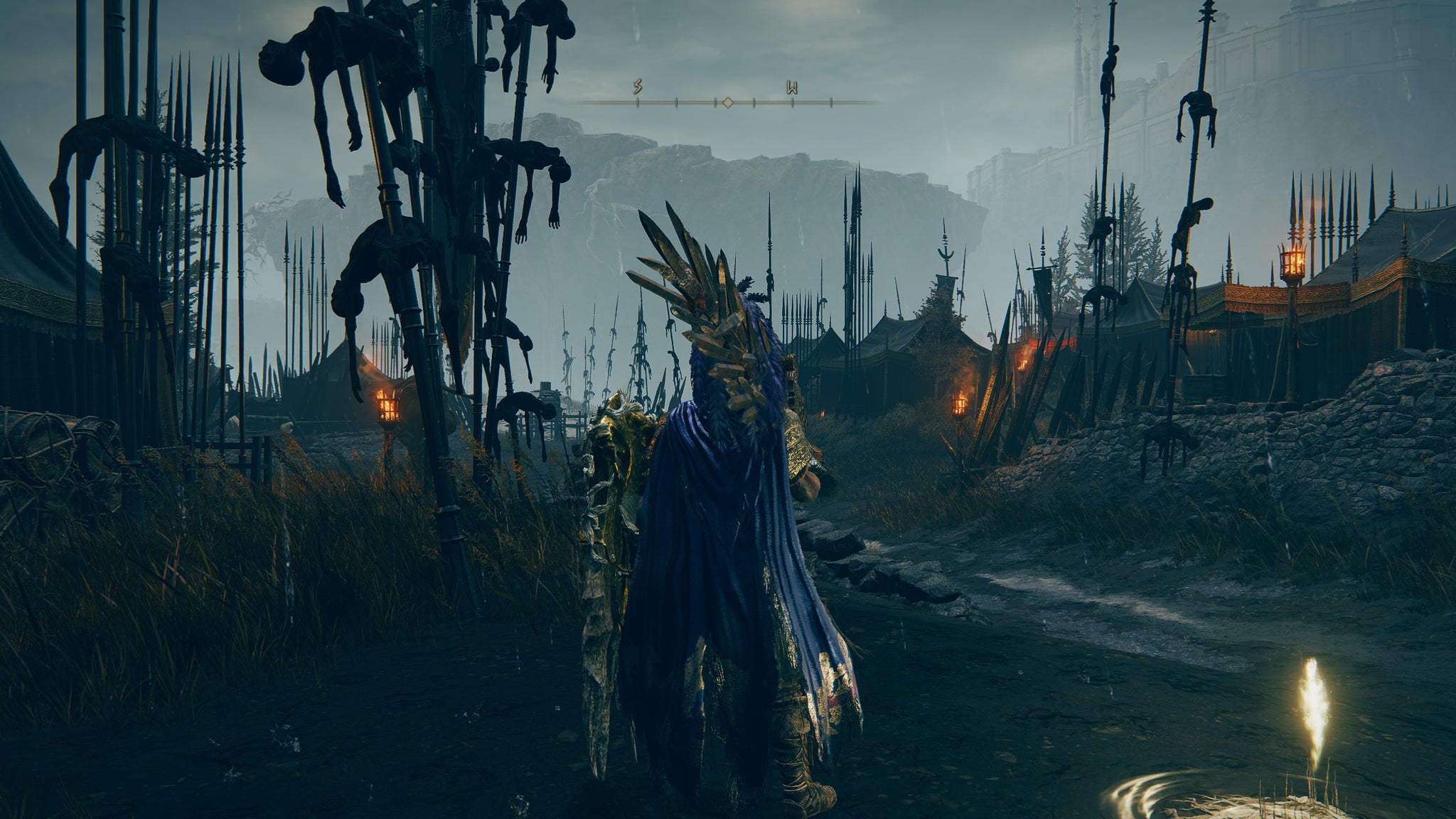
Thus, using a particularly framerate-hungry patch of SOTE’s opening region as a testing ground, I’ve re-benchmarked with an assortment of new and old hardware alike – and rejigged the best settings guide you’ll find down below. I sincerely hope you find it useful, as I literally died for it. Many times! In increasingly horrible ways.
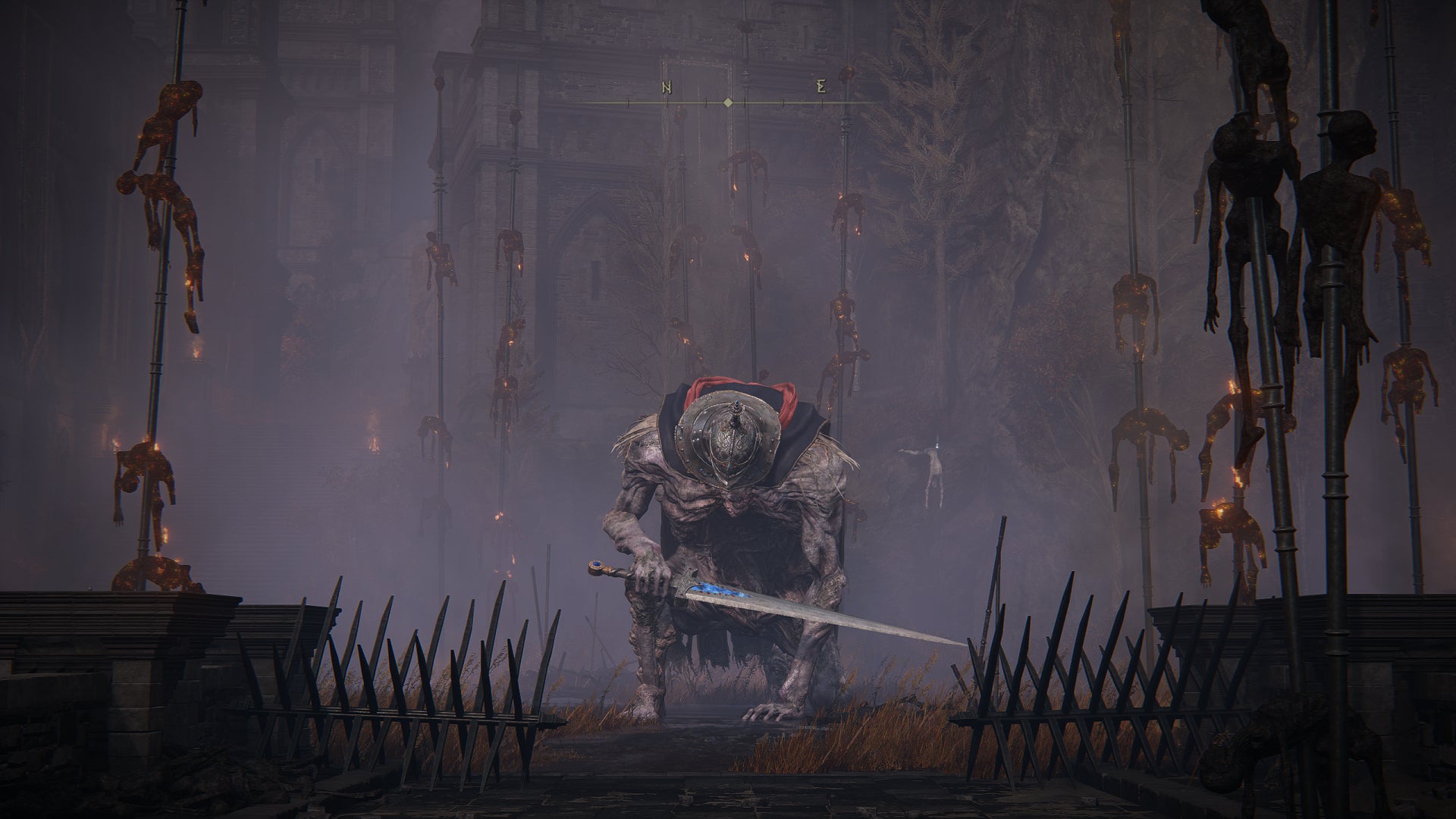
Image credit:Rock Paper Shotgun/Bandai Namco
Elden Ring: Shadow of the Erdtree system requirements and PC performance
Beyond the expected swelling of the storage footprint, Shadow of the Erdtree doesn’t raise the original system requirements at all. If you’ve already been Elden Lording around on your PC, all you’ll need to do is make sure there’s a modest amount of room going spare on your SSD or hard drive: the expansion takes up 15.06GB once fully installed. Everything else is as it was in 2022, including the weird 12GB RAM minimum.
Elden Ring minimum PC specs
- OS: Windows 10
- CPU: Intel Core i5-8400 / AMD Ryzen 3 3300X
- GPU: Nvidia GeForce GTX 1060 3GB / AMD Radeon RX 580 4GB
- RAM: 12GB
- Storage: 60GB (plus 15.06GB for Shadow of the Erdtree)
- DirectX: DirectX 12
Elden Ring recommended PC specs
- OS: Windows 10 / 11
- CPU: Intel Core I7-8700K / AMD Ryzen 5 3600X
- GPU: Nvidia GeForce GTX 1070 / AMD Radeon RX Vega 56
- RAM: 16GB
- Storage: 60GB SSD (plus 15.06GB for Shadow of the Erdtree)
- DirectX: DirectX 12
While my chosen benchmarking spot – a Messmer solider camp – will strain your PC harder than on the open plains of Limgrave, I can report that Shadow of the Erdtree doesn’t up the sluggishness as a matter of course. Anything that runs Elden Ring will therefore run the DLC: for example, my 6GB GTX 1060, only modestly above the min-spec Nvidia GPU, was able to average 45fps at 1080p on Maximum quality. That only rose to 51fps on High and 56fps on both Medium and Low, but still, not bad showings for a card of this stature. The Recommended-spec GTX 1070 also put in a 55fps shift at Maximum/1080p, and only dropped to 48fps at 1440p.
Newer entry-level graphics cards are viable too. Intel’s Arc A750, released several months after Elden Ring, handled Erdtree on Maximum/1080p at an average of 51fps. The top preset is less appealing on the RTX 4050 , the laptop-exclusive GPU that powers my MSI Thin GF63, where it just about averaged 40fps – though that’s still playable, and less intensive areas (like interior castles and dungeons) allowed for visibly smoother performance.
It’s not unheard of for big expansions to push your hardware harder than the base game; Horizon Forbidden West ’s Burning Shores is a recent culprit, and Cyberpunk 2077: Phantom Liberty actually did raise the original system requirements . You needn’t worry with Shadow of the Erdtree, though. Again, if your PC can run Elden Ring, it can run this, evidently including rigs based on aged or low-end gear.
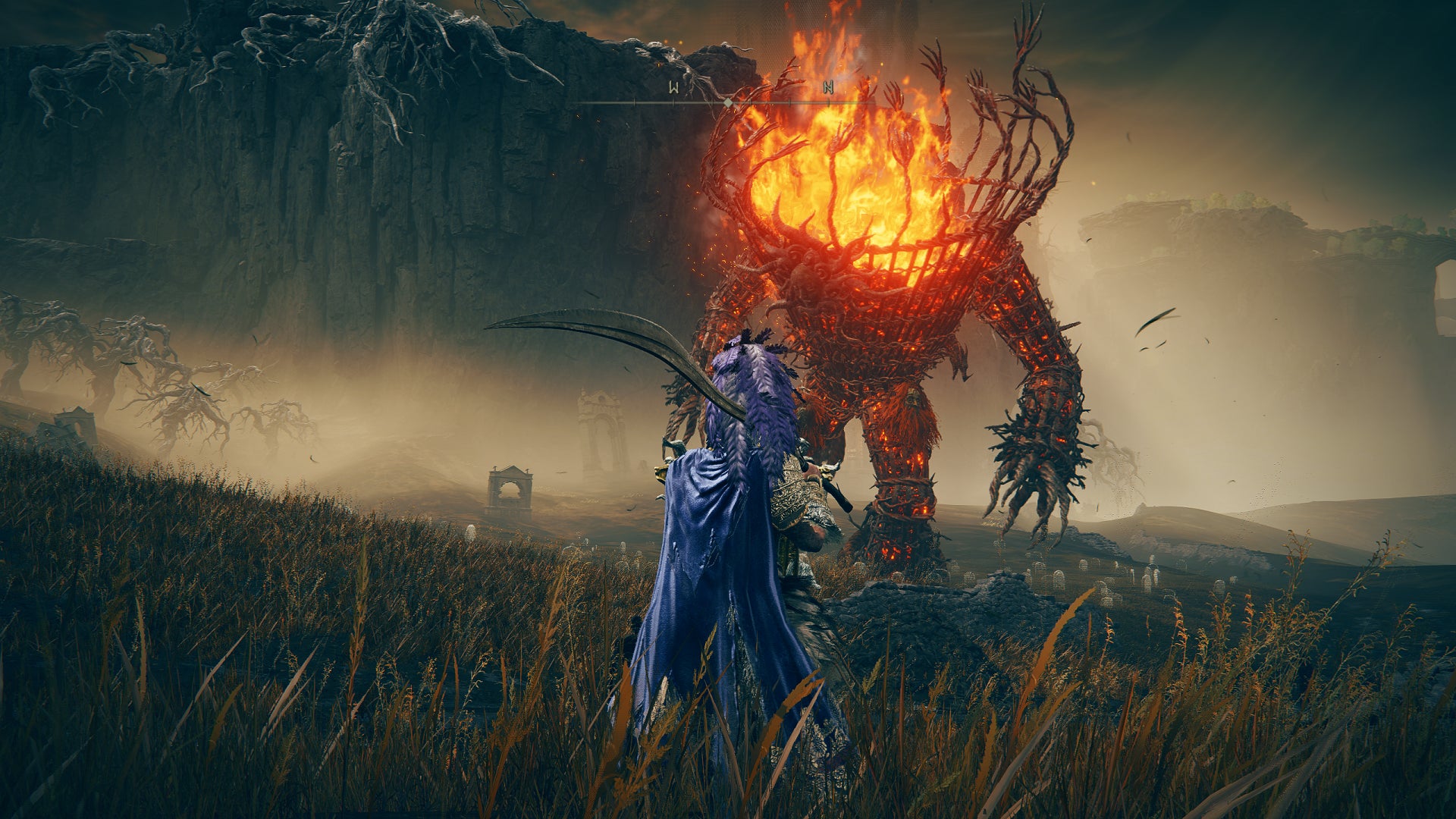
Image credit:Rock Paper Shotgun/Bandai Namco
Unfortunately, while Shadow of the Erdtree maintains the upsides of Elden Ring’s PC performance, it also leaves its technical shortcomings equally untouched. Despite previous patches, it still stutters regularly on everything except the Steam Deck , which got its apparently SteamOS-specific fixes in all the way back in 2022 ; attempts to smooth out this hitching on Windows have been made, but without the same degree of success, even two years on.
The expansion also does nothing to tidy the more frayed edges of Elden Ring’s PC port. Keyboard support is still a joke, with Xbox controller icons all over the menus even when there isn’t one plugged in, and you still can’t raise the 60fps cap without mods. Likewise, proper ultrawide resolution support can only be enabled through the modding route , which involves turning off Easy Anti-Cheat and rendering online play impossible. I’m sure some of these are easier to implement than others, and if you’ve spent two years roaming the Lands Between you’ve probably made your peace with the framerate cap anyway, but it does feel like a missed opportunity for SOTE not to throw in some more PC improvements. Especially now that Elden Ring supports ray tracing – DLSS or FSR would have made ideal bedfellows, but these too are nowhere to be seen.
The ableness with which Elden Ring runs on old or basic GPU is also somewhat tarnished (hurrr) by a lack of truly silky performance on higher-end PCs. Take the RTX 4060 , the GTX 1060’s much more spry great-grandchild. At 1080p with Maximum settings, it averaged 55fps: not bad in itself, but only 10fps more than its ancestor. I also tried this card, still on Maximum, at 1440p, and it only dropped to 53fps – so that 60fps is almost definitely blocking a faster average at 1080p.
Funnily enough, every single premium or upper-mid range GPU I tried thereafter landed in the same fifties range. The RTX 3070, running maximum at 1440p? 55fps. The RTX 4070 Ti at 1440p? 56fps. At 4K? Also 56fps. If that isn’t artificial bottlenecking, I don’t know what is. The latter card did drop to 46fps at 4K once I added Maximum-quality ray tracing, but then that was only 5fps behind the much more powerful (and expensive) RTX 4090 on the same settings.
Basically, both Elden Ring and Shadow of the Erdtree plonk you in a kind of tolerable-but-not-impressive performance limbo, where you probably don’t need to worry about chugging (outside the occasional stutter) but you also can’t truly reap the benefits of an upgraded PC. The only piece of kit I’ve seen that can’t at least have a crack at the Maximum preset is the Steam Deck, though even this can stay above 30fps with a combination of Maximum, High, and Medium settings.
Speaking of…
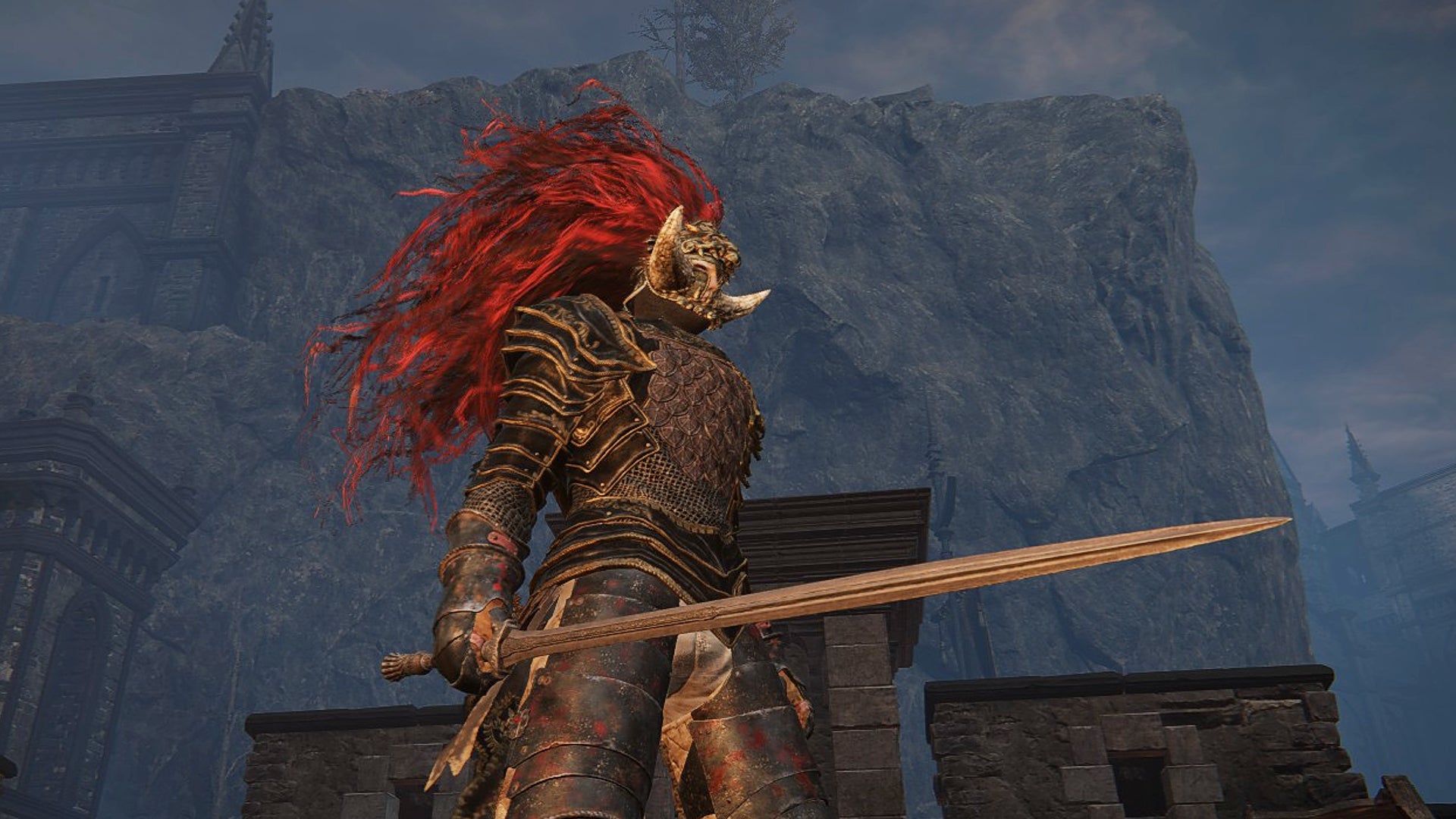
Image credit:Rock Paper Shotgun/Bandai Namco
Elden Ring: Shadow of the Erdtree best settings
Back when I originally tested out Elden Ring’s individual settings, I concluded that most PCs could get by with modest changes to texture, shader, and grass quality – everything else could be left on Maximum. Given the relatively small performance gaps between Maximum and Low I’ve been seeing in Shadow of the Erdtree, I still reckon it’s unnecessary to make sweeping quality cuts in most cases, though I wanted to retest everything to see whether certain settings had gained on or lost their cira-2022 performance impact.
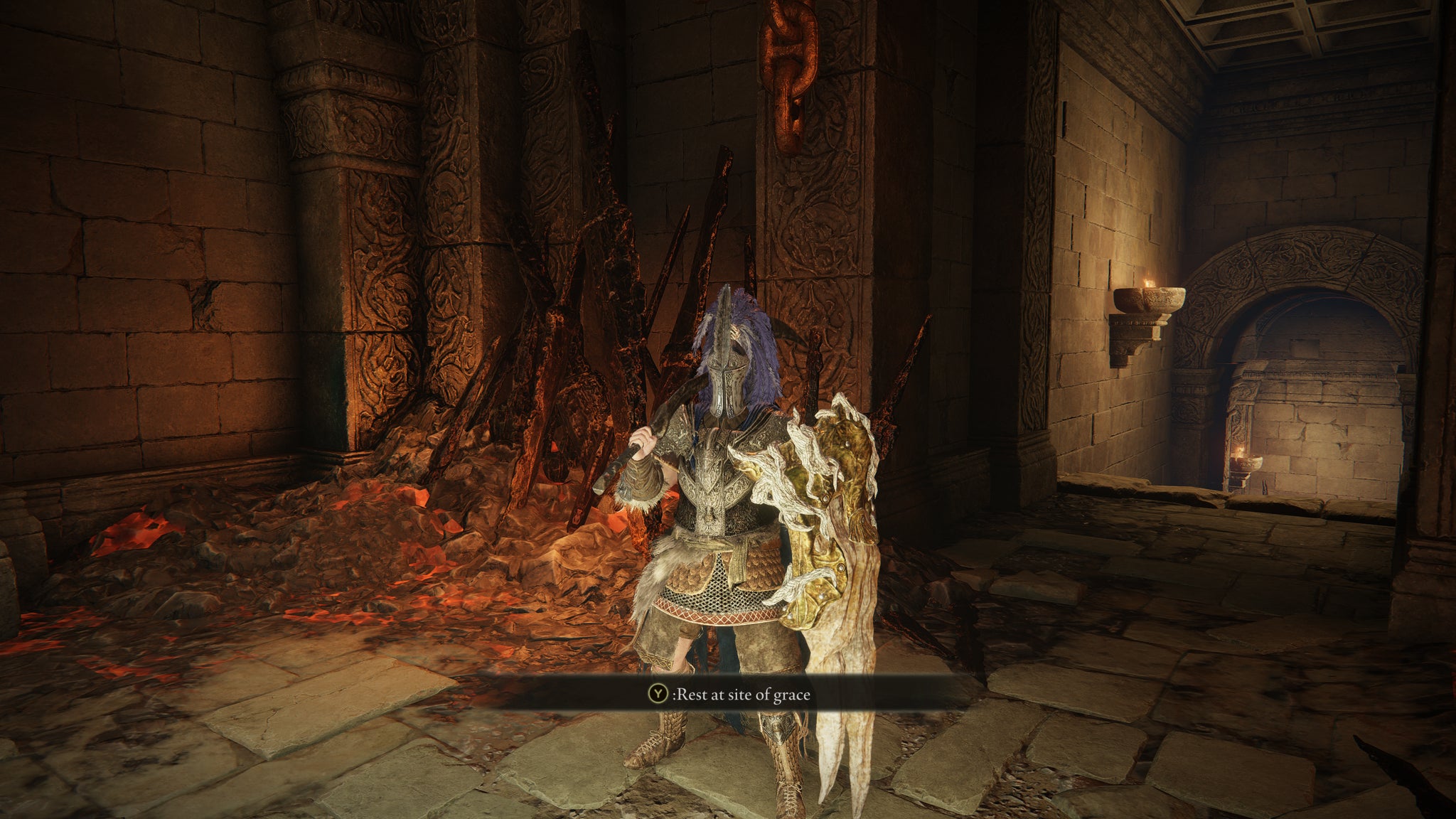
(While still staying away from Low as possible, that is. You can see in the comparison screenshots below that even without motion, Medium and above immediately look better.)
I also swapped my previous guinea pig GPU, the GTX 1060, for the RTX 4060, largely so I could get a ray tracing result. Regular performance guide readers will know the drill by now: starting with a maxed-out setup, in this case the Maximum preset at 1440p, and lowering each setting one by one to see which can be toned down or left cranked up. Any improvements over 53fps could point to a possible lowering candidate.
Ray tracing quality: In fairness, Elden Ring’s RT lights and shadows aren’t the mostdemanding examples of the form, their Maximum quality setting cutting performance to 40fps and Low to 48fps. At the same time, they only barely improve on the non-RT effects, so I’m not convinced their worth even that modest cost.
Texture quality: Dropping from Maximum to Medium textures produced 55fps, a 2fps improvement. Don’t bother going below that, as Low resulted in 55fps as well.
Antialiasing quality: Leave this on High. Although Low nudged the RTX 4060 up to 55fps, it looks noticeably more fuzzy.
SSAO: Whereas lowering this boosted performance in 2022, here it didn’t have any positive effect at all. On current evidence, then, you may as well leave this on Maximum.
Depth of field: I got 54fps by disabling this effect completely, arguably not worth the cut from Maximum.
Motion blur: This doesn’t affect performance either way, though also doesn’t add much. I say disable it.
Shadow quality: Try to leave this on Maximum, and absolutely no lower than High. Another unaddressed issue from Elden Ring’s early days is the horrendous shadow flickering you get on lower settings, so even if these are a tiny bit faster, it’s better to just keep the quality turned up.
Lighting quality: This, on the other hand, can be safely lowered. Perhaps to Medium, which squeezed an extra 2fps out of the RTX 4060.
Effects quality: Again, going to Medium here grants a small (2fps in my case) performance bump with minimal visual loss.
Volumetric quality: Probably worth keeping on High, as Medium was only 1fps faster in my tests.
Reflection quality: There was no performance at all between Maximum and Low here, so feel free to go with the former.
Water surface quality: No difference between High and Low here either.
Shader quality: As with SSAO, this was one of the more impactful settings in the launch build, but in Shadow of the Erdtree I didn’t get a single extra frame per second by lowering from High to Medium.
Global illumination quality: Another 55fps result here, from switching High to Medium.
Grass quality: One more 55fps for the road, via dropping from Maximum to Medium.
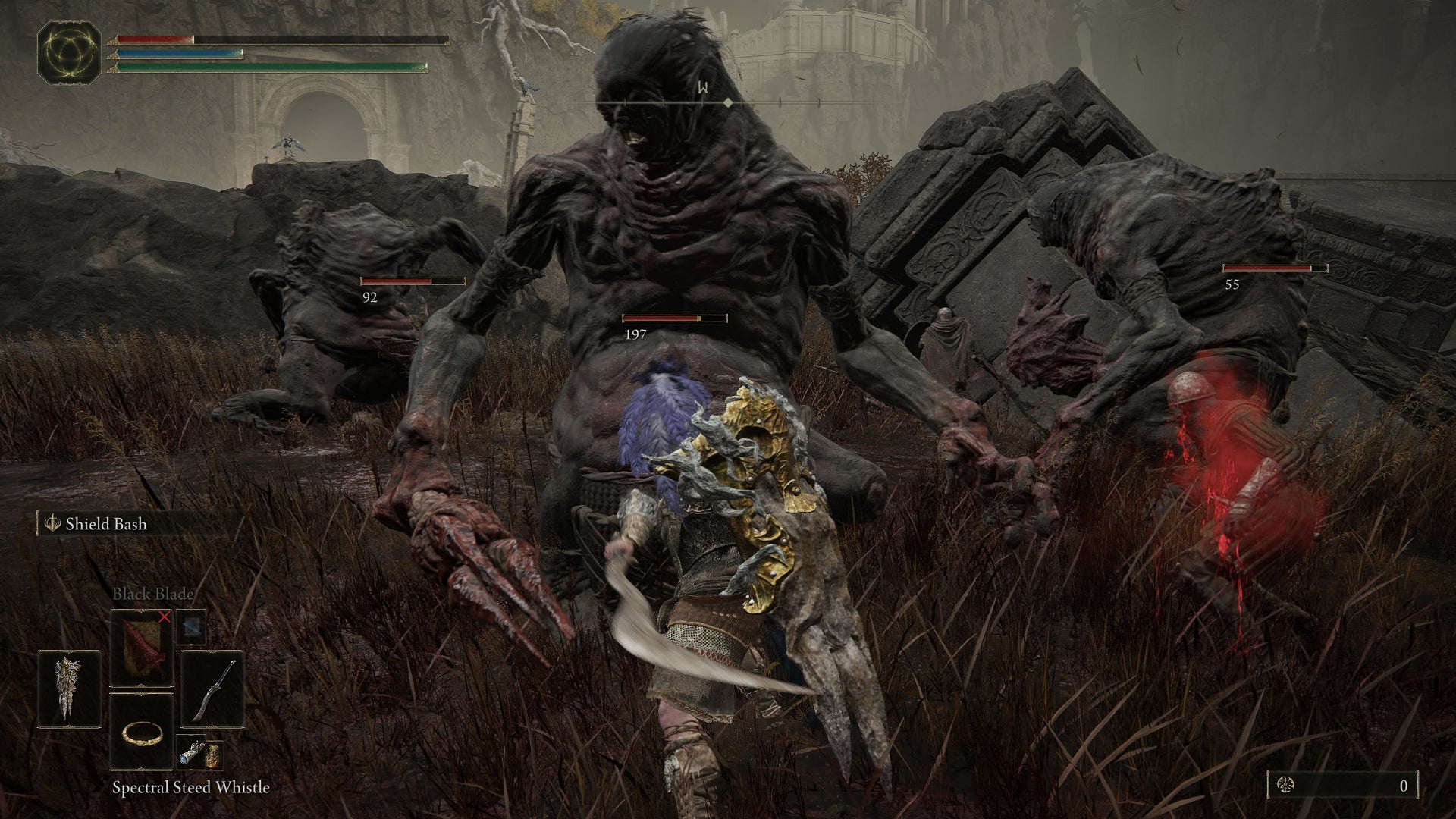
Image credit:Rock Paper Shotgun/Bandai Namco
While these tests didn’t reveal any of the non-RT settings to be secret resource hogs, they did seemingly give enough to work with – small gains can and usually do add up. However, when I tried a combination that changed textures, lighting, effects, global illumination, and grass down to Medium, all I got on the RTX 4060 was another 55fps average. The same as with just one of those lowered from Maximum. What in the name of Godric’s eighth arm was this?
In hindsight, I maaaaaybe should have picked a worse testing GPU; the RTX 4060 was reliably hitting the 60fps cap at various points in my benchmark run, effectively putting a ceiling on how much it could improve with settings changes. But then again, it was never consistently at 60fps, and you’d think that raising the lower end of the performance range would increase averages as well. Instead, it just looks as if Elden Ring, in its current state, provides diminishing returns on newer/faster/better GPUs from lowered settings. Part of this is just the framerate cap, but also… well, let’s just say that if Elden Ring wants to take a framerate dip, it’s going to take a framerate dip, regardless of how much time you devote to spannering its settings.
It’s not all bad news, though. After swapping the original GTX 1060 back in, I used those RTX 4060 results to see if I could get bigger improvements on the much older card. And I did, with these:
- Ray tracing quality: Off
- Texture quality: Medium
- Antialiasing quality: High
- SSAO: Maximum
- Depth of field: High
- Motion blur: Off
- Shadow quality: Maximum
- Lighting quality: Medium
- Effects quality: Medium
- Volumetric quality: High
- Reflection quality: Maximum
- Water surface quality: High
- Shader quality: High
- Global illumination quality: High
- Grass quality: High
As of Shadow of the Erdree, these are what I’d call Elden Ring’s best settings, as they bumped the geriatric GTX 1060 up from 45fps at Maximum/1080p to a noticeably smoother 55fps. That’s just 1fps shy of its Low preset result, and without a single Low-level setting. Except maybe motion blur, but hey, motion blur sucks.
To be clear, mind, these are specifically the best settings for lower-end PCs. My advice to anyone with bigger, badder hardware is to just slap on Maximum and lower either lighting or effects quality to Medium. This will still give you a modest boost over the preset as-is, and you won’t be cutting quality on anything else when it likely won’t help to do so.

Elden Ring
PS4 , PS5 , Xbox One , Xbox Series X/S , PC
Rock Paper Shotgun is better when you sign in
Sign in and join us on our journey to discover strange and compelling PC games.

All 75 Arc Raiders Blueprints and where to get them
These areas have the highest chance of giving you Blueprints

Image credit:Rock Paper Shotgun/Embark Studios

Looking for more Arc Raiders Blueprints? It’s a special day when you find a Blueprint, as they’re among the most valuable items in Arc Raiders. If you find a Blueprint that you haven’t already found, then you must make sure you hold onto it at all costs, because Blueprints are the key to one of the most important and powerful systems of meta-progression in the game.
This guide aims to be the very best guide on Blueprints you can find, starting with a primer on what exactly they are and how they work in Arc Raiders, before delving into exactly where to get Blueprints and the very best farming spots for you to take in your search.
We’ll also go over how to get Blueprints from other unlikely activities, such as destroying Surveyors and completing specific quests. And you’ll also find the full list of all 75 Blueprints in Arc Raiders on this page (including the newest Blueprints added with the Cold Snap update , such as the Deadline Blueprint and Firework Box Blueprint), giving you all the information you need to expand your own crafting repertoire.
In this guide:
- What are Blueprints in Arc Raiders?
- Full Blueprint list: All crafting recipes
- Where to find Blueprints in Arc Raiders Blueprints obtained from quests Blueprints obtained from Trials Best Blueprint farming locations

What are Blueprints in Arc Raiders?
Blueprints in Arc Raiders are special items which, if you manage to extract with them, you can expend to permanently unlock a new crafting recipe in your Workshop. If you manage to extract from a raid with an Anvil Blueprint, for example, you can unlock the ability to craft your very own Anvil Pistol, as many times as you like (as long as you have the crafting materials).
To use a Blueprint, simply open your Inventory while in the lobby, then right-click on the Blueprint and click “Learn And Consume” . This will permanently unlock the recipe for that item in your Workshop. As of the Stella Montis update, there are allegedly 75 different Blueprints to unlock - although only 68 are confirmed to be in the game so far. You can see all the Blueprints you’ve found and unlocked by going to the Workshop menu, and hitting “R” to bring up the Blueprint screen.
It’s possible to find duplicates of past Blueprints you’ve already unlocked. If you find these, then you can either sell them, or - if you like to play with friends - you can take it into a match and gift it to your friend so they can unlock that recipe for themselves. Another option is to keep hold of them until the time comes to donate them to the Expedition.
Full Blueprint list: All crafting recipes
Below is the full list of all the Blueprints that are currently available to find in Arc Raiders, and the crafting recipe required for each item:
| Blueprint | Type | Recipe | Crafted At |
|---|---|---|---|
| Bettina | Weapon | 3x Advanced Mechanical Components 3x Heavy Gun Parts 3x Canister | Gunsmith 3 |
| Blue Light Stick | Quick Use | 3x Chemicals | Utility Station 1 |
| Aphelion | Weapon | 3x Magnetic Accelerator 3x Complex Gun Parts 1x Matriarch Reactor | Gunsmith 3 |
| Combat Mk. 3 (Flanking) | Augment | 2x Advanced Electrical Components 3x Processor | Gear Bench 3 |
| Combat Mk. 3 (Aggressive) | Augment | 2x Advanced Electrical Components 3x Processor | Gear Bench 3 |
| Complex Gun Parts | Material | 2x Light Gun Parts 2x Medium Gun Parts 2x Heavy Gun Parts | Refiner 3 |
| Fireworks Box | Quick Use | 1x Explosive Compound 3x Pop Trigger | Explosives Station 2 |
| Gas Mine | Mine | 4x Chemicals 2x Rubber Parts | Explosives Station 1 |
| Green Light Stick | Quick Use | 3x Chemicals | Utility Station 1 |
| Pulse Mine | Mine | 1x Crude Explosives 1x Wires | Explosives Station 1 |
| Seeker Grenade | Grenade | 1x Crude Explosives 2x ARC Alloy | Explosives Station 1 |
| Looting Mk. 3 (Survivor) | Augment | 2x Advanced Electrical Components 3x Processor | Gear Bench 3 |
| Angled Grip II | Mod | 2x Mechanical Components 3x Duct Tape | Gunsmith 2 |
| Angled Grip III | Mod | 2x Mod Components 5x Duct Tape | Gunsmith 3 |
| Hullcracker | Weapon | 1x Magnetic Accelerator 3x Heavy Gun Parts 1x Exodus Modules | Gunsmith 3 |
| Launcher Ammo | Ammo | 5x Metal Parts 1x Crude Explosives | Workbench 1 |
| Anvil | Weapon | 5x Mechanical Components 5x Simple Gun Parts | Gunsmith 2 |
| Anvil Splitter | Mod | 2x Mod Components 3x Processor | Gunsmith 3 |
| ??? | ??? | ??? | ??? |
| Barricade Kit | Quick Use | 1x Mechanical Components | Utility Station 2 |
| Blaze Grenade | Grenade | 1x Explosive Compound 2x Oil | Explosives Station 3 |
| Bobcat | Weapon | 3x Advanced Mechanical Components 3x Light Gun Parts | Gunsmith 3 |
| Osprey | Weapon | 2x Advanced Mechanical Components 3x Medium Gun Parts 7x Wires | Gunsmith 3 |
| Burletta | Weapon | 3x Mechanical Components 3x Simple Gun Parts | Gunsmith 1 |
| Compensator II | Mod | 2x Mechanical Components 4x Wires | Gunsmith 2 |
| Compensator III | Mod | 2x Mod Components 8x Wires | Gunsmith 3 |
| Defibrillator | Quick Use | 9x Plastic Parts 1x Moss | Medical Lab 2 |
| ??? | ??? | ??? | ??? |
| Equalizer | Weapon | 3x Magnetic Accelerator 3x Complex Gun Parts 1x Queen Reactor | Gunsmith 3 |
| Extended Barrel | Mod | 2x Mod Components 8x Wires | Gunsmith 3 |
| Extended Light Mag II | Mod | 2x Mechanical Components 3x Steel Spring | Gunsmith 2 |
| Extended Light Mag III | Mod | 2x Mod Components 5x Steel Spring | Gunsmith 3 |
| Extended Medium Mag II | Mod | 2x Mechanical Components 3x Steel Spring | Gunsmith 2 |
| Extended Medium Mag III | Mod | 2x Mod Components 5x Steel Spring | Gunsmith 3 |
| Extended Shotgun Mag II | Mod | 2x Mechanical Components 3x Steel Spring | Gunsmith 2 |
| Extended Shotgun Mag III | Mod | 2x Mod Components 5x Steel Spring | Gunsmith 3 |
| Remote Raider Flare | Quick Use | 2x Chemicals 4x Rubber Parts | Utility Station 1 |
| Heavy Gun Parts | Material | 4x Simple Gun Parts | Refiner 2 |
| Venator | Weapon | 2x Advanced Mechanical Components 3x Medium Gun Parts 5x Magnet | Gunsmith 3 |
| Il Toro | Weapon | 5x Mechanical Components 6x Simple Gun Parts | Gunsmith 1 |
| Jolt Mine | Mine | 1x Electrical Components 1x Battery | Explosives Station 2 |
| Explosive Mine | Mine | 1x Explosive Compound 1x Sensors | Explosives Station 3 |
| Jupiter | Weapon | 3x Magnetic Accelerator 3x Complex Gun Parts 1x Queen Reactor | Gunsmith 3 |
| Light Gun Parts | Material | 4x Simple Gun Parts | Refiner 2 |
| Lightweight Stock | Mod | 2x Mod Components 5x Duct Tape | Gunsmith 3 |
| Lure Grenade | Grenade | 1x Speaker Component 1x Electrical Components | Utility Station 2 |
| Medium Gun Parts | Material | 4x Simple Gun Parts | Refiner 2 |
| Torrente | Weapon | 2x Advanced Mechanical Components 3x Medium Gun Parts 6x Steel Spring | Gunsmith 3 |
| Muzzle Brake II | Mod | 2x Mechanical Components 4x Wires | Gunsmith 2 |
| Muzzle Brake III | Mod | 2x Mod Components 8x Wires | Gunsmith 3 |
| Padded Stock | Mod | 2x Mod Components 5x Duct Tape | Gunsmith 3 |
| Shotgun Choke II | Mod | 2x Mechanical Components 4x Wires | Gunsmith 2 |
| Shotgun Choke III | Mod | 2x Mod Components 8x Wires | Gunsmith 3 |
| Shotgun Silencer | Mod | 2x Mod Components 8x Wires | Gunsmith 3 |
| Showstopper | Grenade | 1x Advanced Electrical Components 1x Voltage Converter | Explosives Station 3 |
| Silencer I | Mod | 2x Mechanical Components 4x Wires | Gunsmith 2 |
| Silencer II | Mod | 2x Mod Components 8x Wires | Gunsmith 3 |
| Snap Hook | Quick Use | 2x Power Rod 3x Rope 1x Exodus Modules | Utility Station 3 |
| Stable Stock II | Mod | 2x Mechanical Components 3x Duct Tape | Gunsmith 2 |
| Stable Stock III | Mod | 2x Mod Components 5x Duct Tape | Gunsmith 3 |
| Tagging Grenade | Grenade | 1x Electrical Components 1x Sensors | Utility Station 3 |
| Tempest | Weapon | 3x Advanced Mechanical Components 3x Medium Gun Parts 3x Canister | Gunsmith 3 |
| Trigger Nade | Grenade | 2x Crude Explosives 1x Processor | Explosives Station 2 |
| Vertical Grip II | Mod | 2x Mechanical Components 3x Duct Tape | Gunsmith 2 |
| Vertical Grip III | Mod | 2x Mod Components 5x Duct Tape | Gunsmith 3 |
| Vita Shot | Quick Use | 2x Antiseptic 1x Syringe | Medical Lab 3 |
| Vita Spray | Quick Use | 3x Antiseptic 1x Canister | Medical Lab 3 |
| Vulcano | Weapon | 1x Magnetic Accelerator 3x Heavy Gun Parts 1x Exodus Modules | Gunsmith 3 |
| Wolfpack | Grenade | 2x Explosive Compound 2x Sensors | Explosives Station 3 |
| Red Light Stick | Quick Use | 3x Chemicals | Utility Station 1 |
| Smoke Grenade | Grenade | 14x Chemicals 1x Canister | Utility Station 2 |
| Deadline | Mine | 3x Explosive Compound 2x ARC Circuitry | Explosives Station 3 |
| Trailblazer | Grenade | 1x Explosive Compound 1x Synthesized Fuel | Explosives Station 3 |
| Tactical Mk. 3 (Defensive) | Augment | 2x Advanced Electrical Components 3x Processor | Gear Bench 3 |
| Tactical Mk. 3 (Healing) | Augment | 2x Advanced Electrical Components 3x Processor | Gear Bench 3 |
| Yellow Light Stick | Quick Use | 3x Chemicals | Utility Station 1 |
Note: The missing Blueprints in this list likely have not actually been added to the game at the time of writing, because none of the playerbase has managed to find any of them. As they are added to the game, I will update this page with the most relevant information so you know exactly how to get all 75 Arc Raiders Blueprints.
Where to find Blueprints in Arc Raiders
Below is a list of all containers, modifiers, and events which maximise your chances of finding Blueprints:
- Certain quests reward you with specific Blueprints .
- Completing Trials has a high chance of offering Blueprints as rewards.
- Surveyors have a decent chance of dropping Blueprints on death.
- High loot value areas tend to have a greater chance of spawning Blueprints.
- Night Raids and Storms may increase rare Blueprint spawn chances in containers.
- Containers with higher numbers of items may have a higher tendency to spawn Blueprints. As a result, Blue Gate (which has many “large” containers containing multiple items) may give you a higher chance of spawning Blueprints.
- Raider containers (Raider Caches, Weapon Boxes, Medical Bags, Grenade Tubes) have increased Blueprint drop rates. As a result, the Uncovered Caches event gives you a high chance of finding Blueprints.
- Security Lockers have a higher than average chance of containing Blueprints.
- Certain Blueprints only seem to spawn under specific circumstances: Tempest Blueprint only spawns during Night Raid events. Vulcano Blueprint only spawns during Hidden Bunker events. Jupiter and Equaliser Blueprints only spawn during Harvester events.

Raider Caches, Weapon Boxes, and other raider-oriented container types have a good chance of offering Blueprints. |Image credit:Rock Paper Shotgun/Embark Studios
Blueprints have a very low chance of spawning in any container in Arc Raiders, around 1-2% on average. However, there is a higher chance of finding Blueprints in particular container types. Specifically, you can find more Blueprints in Raider containers and security lockers.
Beyond this, if you’re looking for Blueprints you should focus on regions of the map which are marked as having particularly high-value loot. Areas such as the Control Tower in Dam Battlegrounds, the Arrival and Departure Buildings in Spaceport, and Pilgrim’s Peak in Blue Gate all have a better-than-average chance of spawning Blueprints somewhere amongst all their containers. Night Raids and Electromagnetic Storm events also increase the drop chances of certain Blueprints .
In addition to these containers, you can often loot Blueprints from destroyed Surveyors - the largest of the rolling ball ARC. Surveyors are more commonly found on the later maps - Spaceport and Blue Gate - and if one spawns in your match, you’ll likely see it by the blue laser beam that it casts into the sky while “surveying”.
Surveyors are quite well-armoured and will very speedily run away from you once it notices you, but if you can take one down then make sure you loot all its parts for a chance of obtaining certain unusual Blueprints.
Blueprints obtained from quests
One way in which you can get Blueprints is by completing certain quests for the vendors in Speranza. Some quests will reward you with a specific item Blueprint upon completion, so as long as you work through all the quests in Arc Raiders, you are guaranteed those Blueprints.
Here is the full list of all Blueprints you can get from quest rewards:
- Trigger Nade Blueprint: Rewarded after completing “Sparks Fly”.
- Lure Grenade Blueprint: Rewarded after completing “Greasing Her Palms”.
- Burletta Blueprint: Rewarded after completing “Industrial Espionage”.
- Hullcracker Blueprint (and Launcher Ammo Blueprint): Rewarded after completing “The Major’s Footlocker”.
Alas, that’s only 4 Blueprints out of a total of 75 to unlock, so for the vast majority you will need to find them yourself during a raid. If you’re intent on farming Blueprints, then it’s best to equip yourself with cheap gear in case you lose it, but don’t use a free loadout because then you won’t get a safe pocket to stash any new Blueprint you find. No pain in Arc Raiders is sharper than failing to extract with a new Blueprint you’ve been after for a dozen hours already.

One of the best ways to get Blueprints is by hitting three stars on all five Trials every week. |Image credit:Rock Paper Shotgun/Embark Studios
Blueprints obtained from Trials
One of the very best ways to get Blueprints is as rewards for completing Trials in Arc Raiders. Trials are unlocked from Level 15 onwards, and allow you to earn rewards by focusing on certain tasks over the course of several raids. For example, one Trial might task you with dealing damage to Hornets, while another might challenge you to loot Supply Drops.
Trials refresh on a weekly basis, with a new week bringing five new Trials. Each Trial can offer up to three rewards after passing certain score milestones, and it’s possible to receive very high level loot from these reward crates - including Blueprints. So if you want to unlock as many Blueprints as possible, you should make a point of completing as many Trials as possible each week.
Best Blueprint farming locations
The very best way to get Blueprints is to frequent specific areas of the maps which combine high-tier loot pools with the right types of containers to search. Here are my recommendations for where to find Blueprints on every map, so you can always keep the search going for new crafting recipes to unlock.

Image credit:Rock Paper Shotgun/Embark Studios
Dam Battlegrounds
The best places to farm Blueprints on Dam Battlegrounds are the Control Tower, Power Generation Complex, Ruby Residence, and Pale Apartments . The first two regions, despite only being marked on the map as mid-tier loot, contain a phenomenal number of containers to loot. The Control Tower can also contain a couple of high-tier Security Lockers - though of course, you’ll need to have unlocked the Security Breach skill at the end of the Survival tree.
There’s also a lot of reporting amongst the playerbase that the Residential areas in the top-left of the map - Pale Apartments and Ruby Residence - give you a comparatively strong chance of finding Blueprints. Considering their size, there’s a high density of containers to loot in both locations, and they also have the benefit of being fairly out of the way. So you’re more likely to have all the containers to yourself.
Buried City
The best Blueprint farming locations on Buried City are the Santa Maria Houses, Grandioso Apartments, Town Hall, and the various buildings of the New District . Grandioso Apartments has a lower number of containers than the rest, but a high chance of spawning weapon cases - which have good Blueprint drop rates. The others are high-tier loot areas, with plenty of lootable containers - including Security Lockers.
Spaceport
The best places to find Blueprints on Spaceport are the Arrival and Departure Buildings, as well as Control Tower A6 and the Launch Towers . All these areas are labelled as high-value loot regions, and many of them are also very handily connected to one another by the Spaceport wall, which you can use to quickly run from one area to the next. At the tops of most of these buildings you’ll find at least one Security Locker, so this is an excellent farming route for players looking to find Blueprints.
The downside to looting Blueprints on Spaceport is that all these areas are hotly contested, particularly in Duos and Squads. You’ll need to be very focused and fast in order to complete the full farming route.

Image credit:Rock Paper Shotgun/Embark Studios
Blue Gate
Blue Gate tends to have a good chance of dropping Blueprints, potentially because it generally has a high number of containers which can hold lots of items; so there’s a higher chance of a Blueprint spawning in each container. In my experience, the best Blueprint farming spots on Blue Gate are Pilgrim’s Peak, Raider’s Refuge, the Ancient Fort, and the Underground Complex beneath the Warehouse .
All of these areas contain a wealth of containers to loot. Raider’s Refuge has less to loot, but the majority of the containers in and around the Refuge are raider containers, which have a high chance of containing Blueprints - particularly during major events.
Stella Montis
On the whole, Stella Montis seems to have a very low drop rate for Blueprints (though a high chance of dropping other high-tier loot). If you do want to try farming Blueprints on this map, the best places to find Blueprints in Stella Montis are Medical Research, Assembly Workshop, and the Business Center . These areas have the highest density of containers to loot on the map.
In addition to this, the Western Tunnel has a few different Security Lockers to loot, so while there’s very little to loot elsewhere in this area of the map, it’s worth hitting those Security Lockers if you spawn there at the start of a match.
That wraps up this primer on how to get all the Blueprints in Arc Raiders as quickly as possible. With the Expedition system constantly resetting a large number of players’ Blueprints, it’s more important than ever to have the most up-to-date information on where to find all these Blueprints.
While you’re here, be sure to check out our Arc Raiders best guns tier list , as well as our primers on the best skills to unlock and all the different Field Depot locations on every map.

ARC Raiders
PS5 , Xbox Series X/S , PC
Rock Paper Shotgun is better when you sign in
Sign in and join us on our journey to discover strange and compelling PC games.
